Settings
The General pane, tab by tab — every switch and what it changes.
The menu-bar icon is the only way in — Settings… opens this window, on General.
Under the pane list is the profile this window is showing. Every pane above it belongs to that profile; clicking it switches between them, and Manage profiles… at the bottom goes to the Profiles tab below.
General is the pane whose settings have no other home: everything on the panes below it belongs to a feature, and is explained where that feature is — Shortcuts, Snippets, Flows, Hyper key, AI, and Pro for the License screen under About.
General
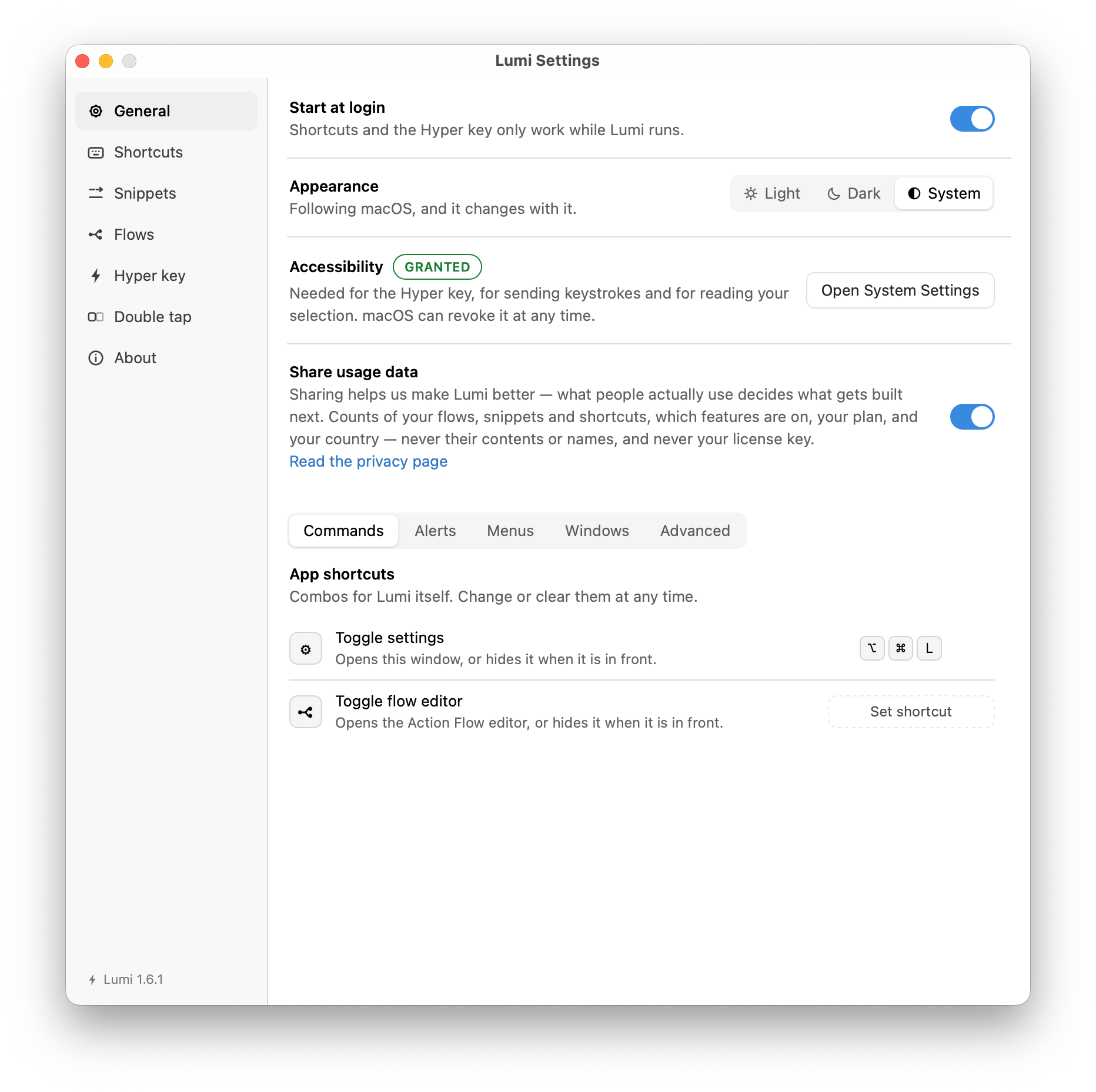
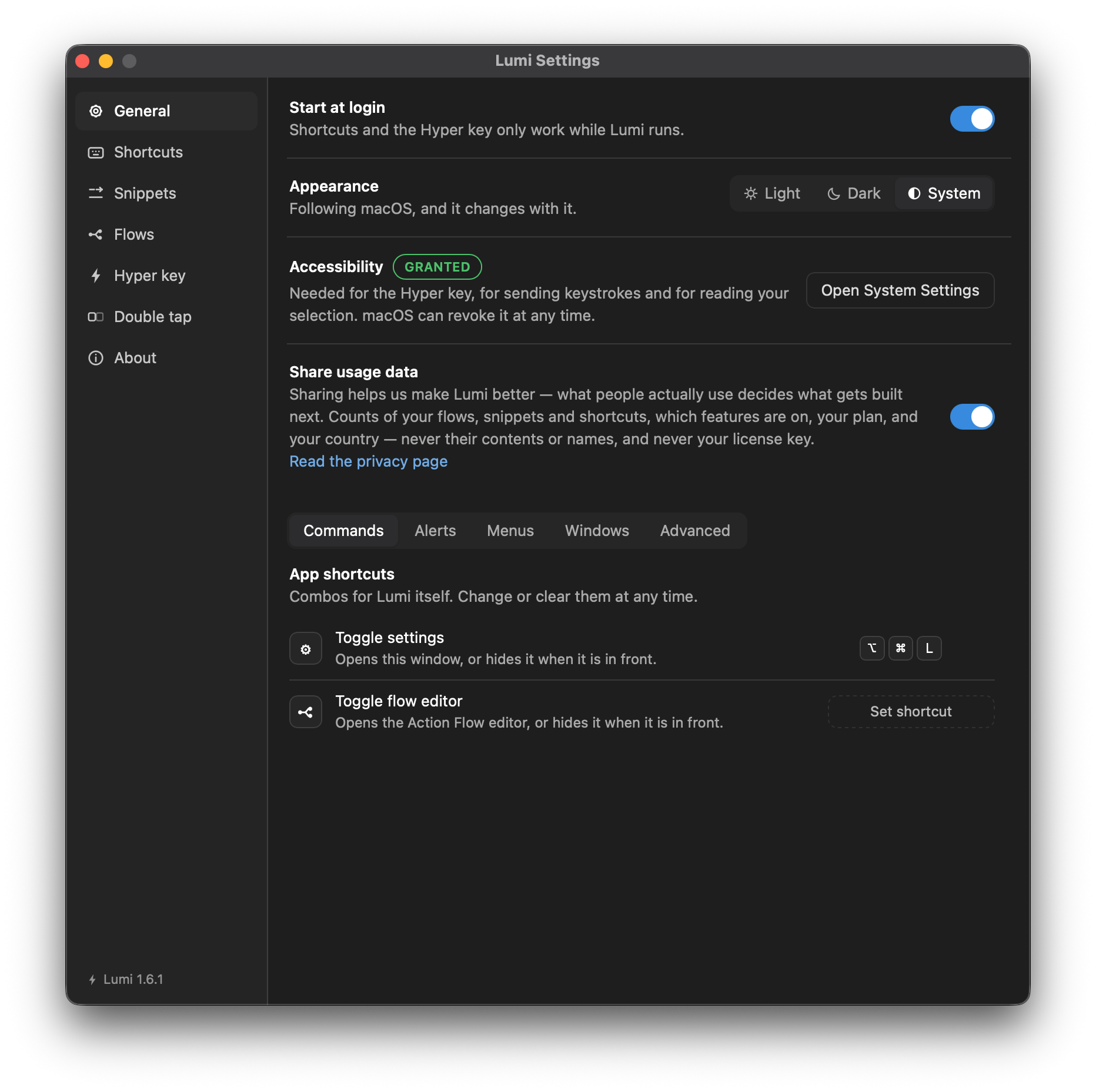
Four settings sit above the tabs, because each is a choice about the app rather than about a feature.
| Setting | Does |
|---|---|
| Start at login | Registers a login item with macOS. Shortcuts and the Hyper key only work while Lumi runs, so this is what makes them survive a restart. A launch at login opens no window; a launch you made opens this one. |
| Appearance | Light, Dark, or follow the system. |
| Accessibility | Shows whether the grant is in place, with a way straight to the pane that gives it. See Permissions. |
| Share usage data | Off unless you turn it on. Counts, never content — see Privacy. |
Below them, seven tabs.
Commands
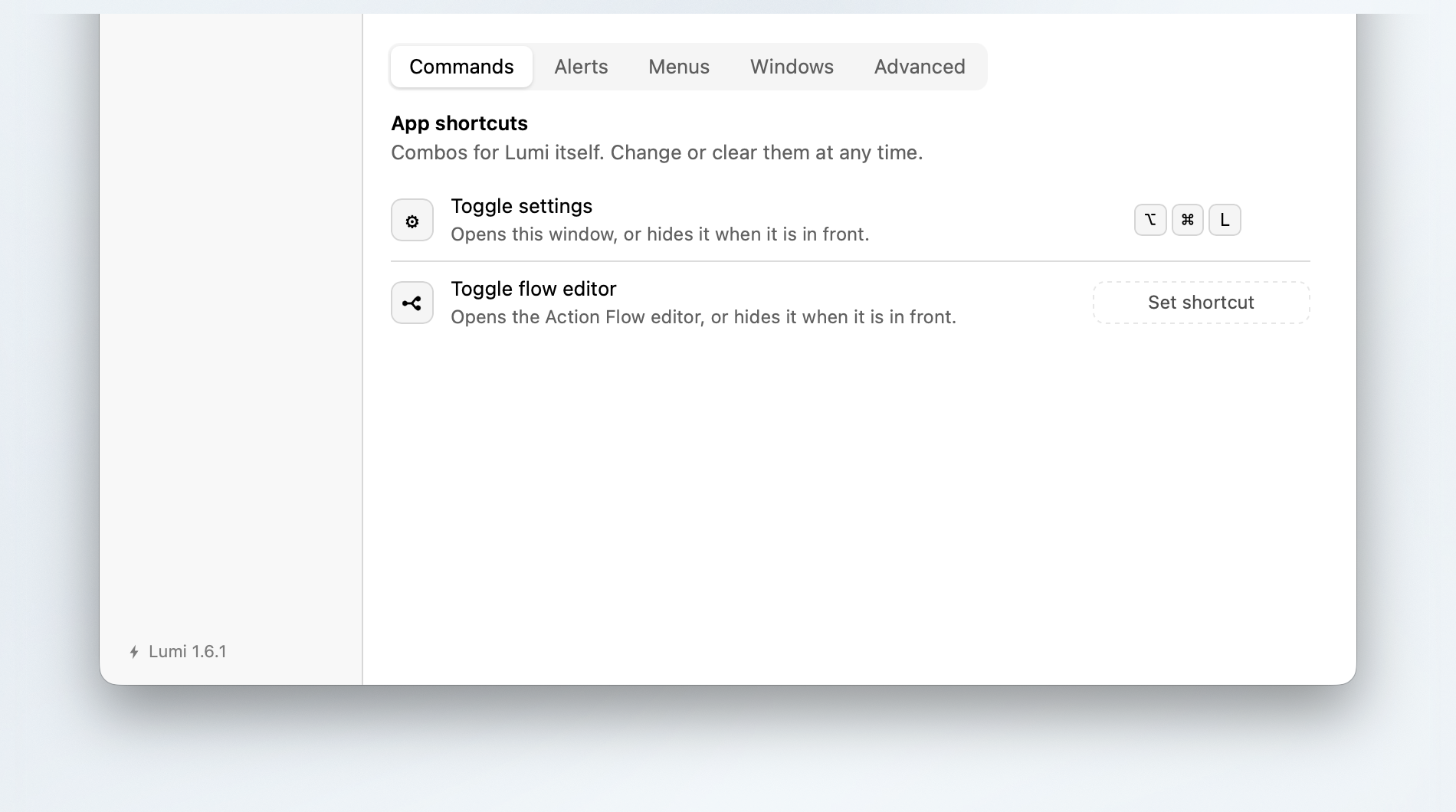
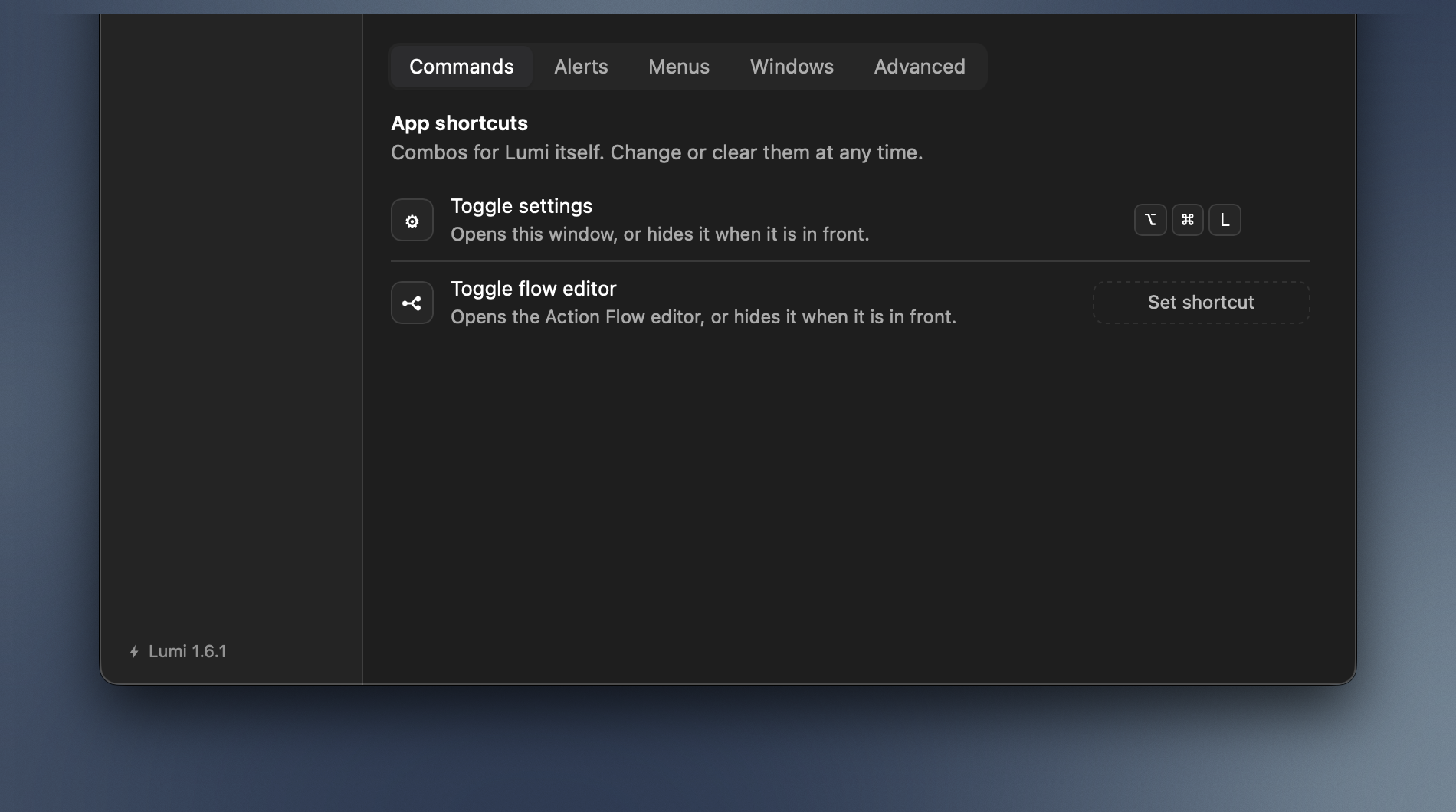
App shortcuts — combinations for Lumi itself rather than for anything you bound. One opens this window, one opens the flow editor, and each toggles: press it while that window is in front and it hides again. Change or clear them at any time.
Alerts
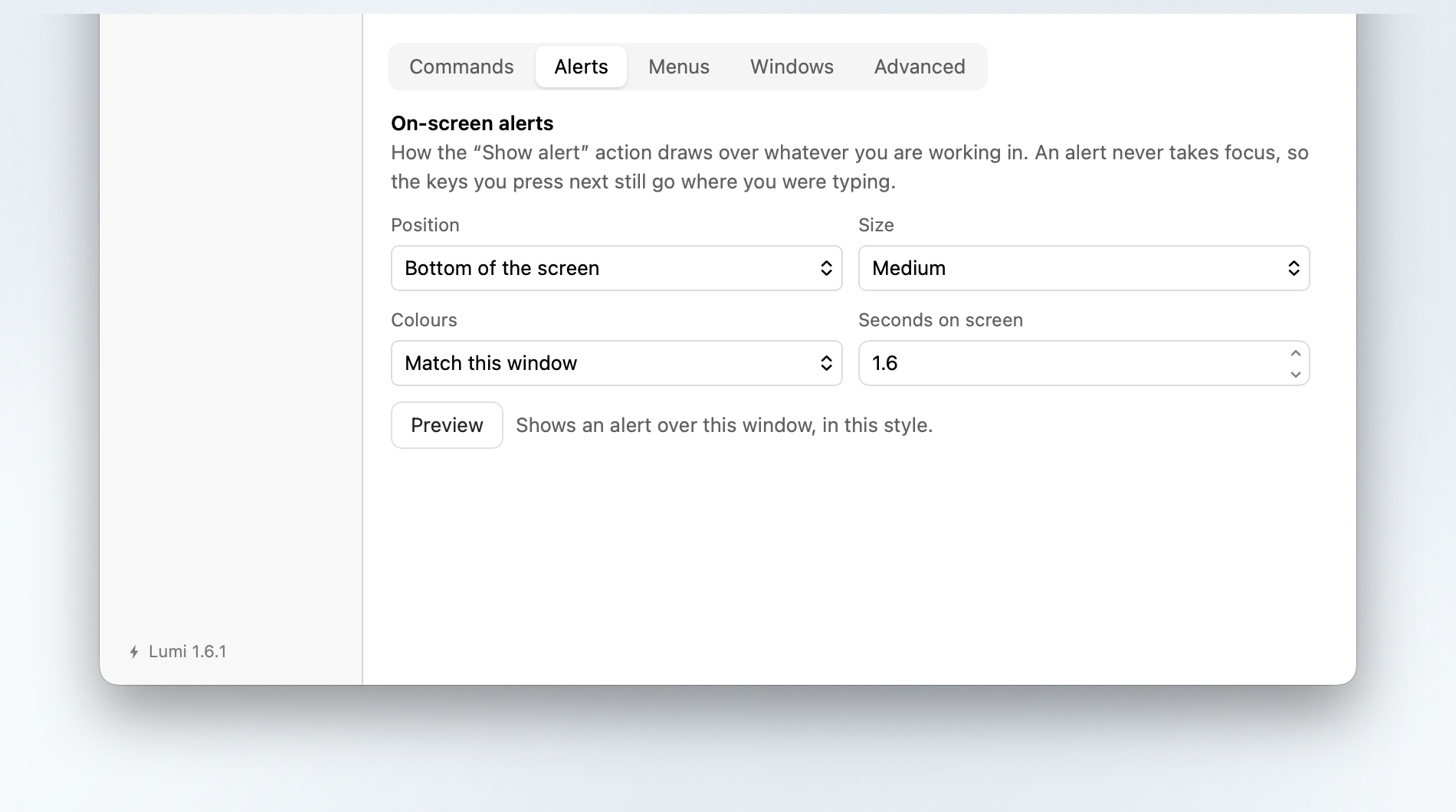
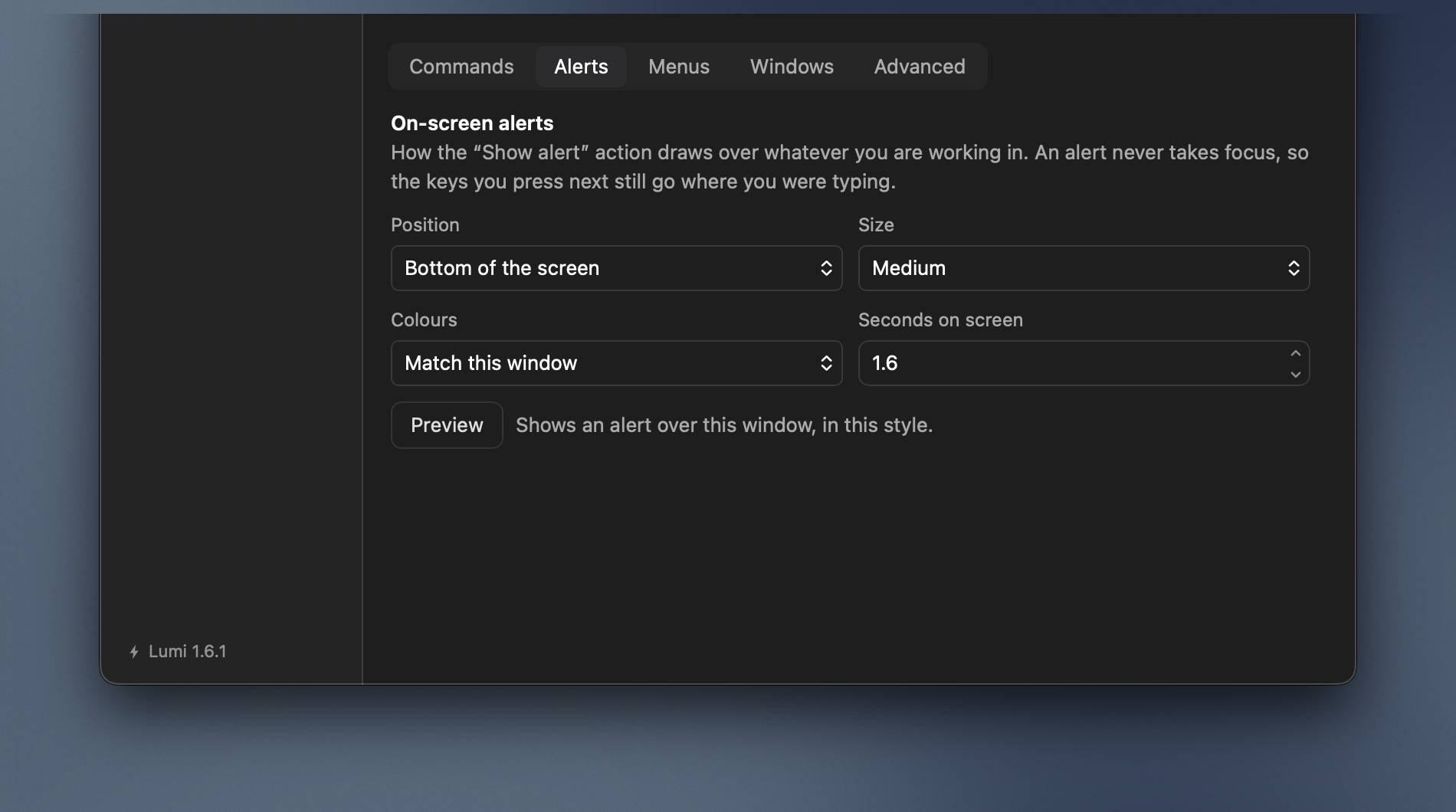
On-screen alerts decides how the Show alert action draws over whatever you are working in. An alert never takes focus, so the keys you press next still go where you were typing.
| Field | Options |
|---|---|
| Position | Top of the screen · Middle of the screen · Bottom of the screen |
| Size | Small · Medium · Large |
| Theme | Match this window · Dark · Light |
| Duration | In seconds |
A preview button draws one in the chosen style so you can see it before binding anything. A shortcut can override all of this on its own row — see Show alert.
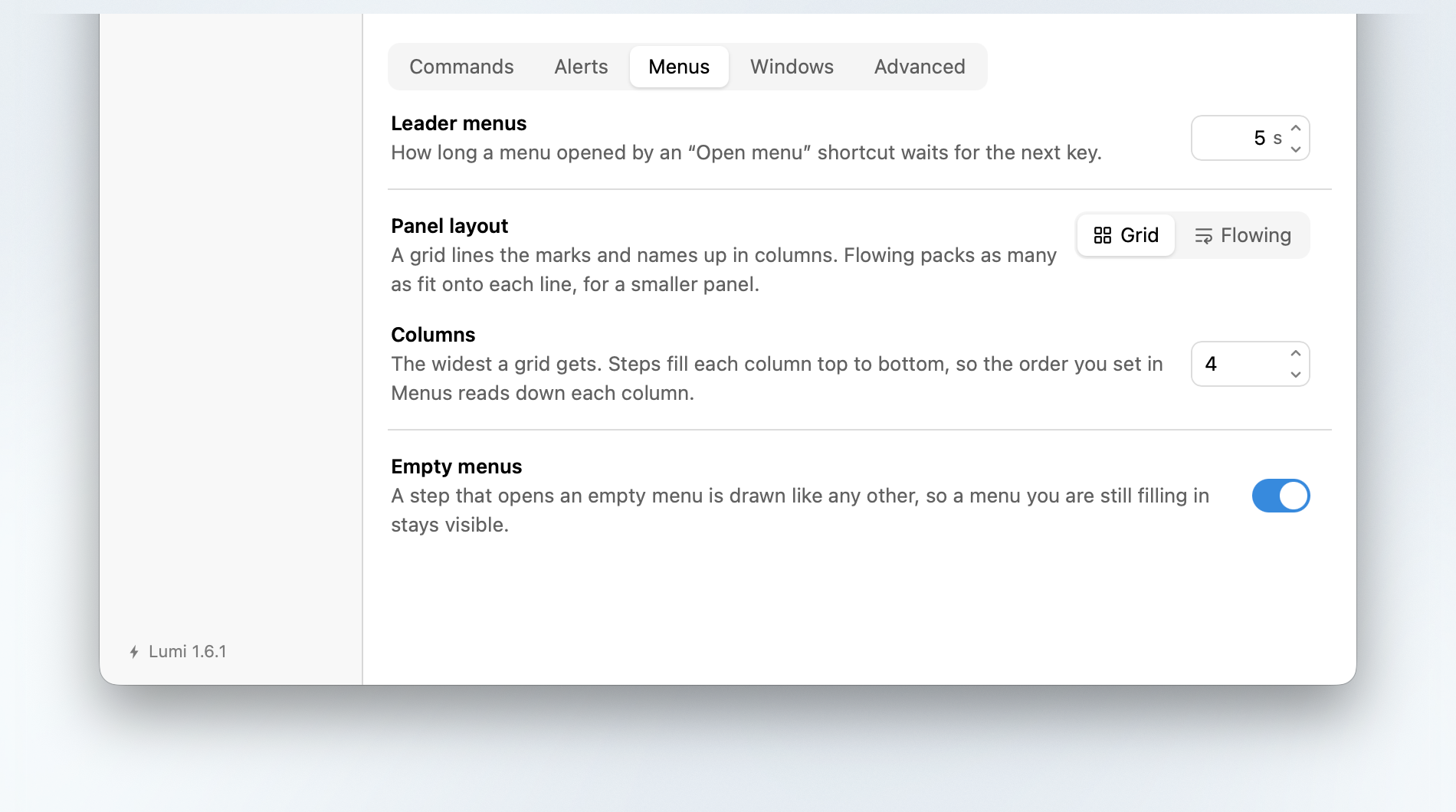
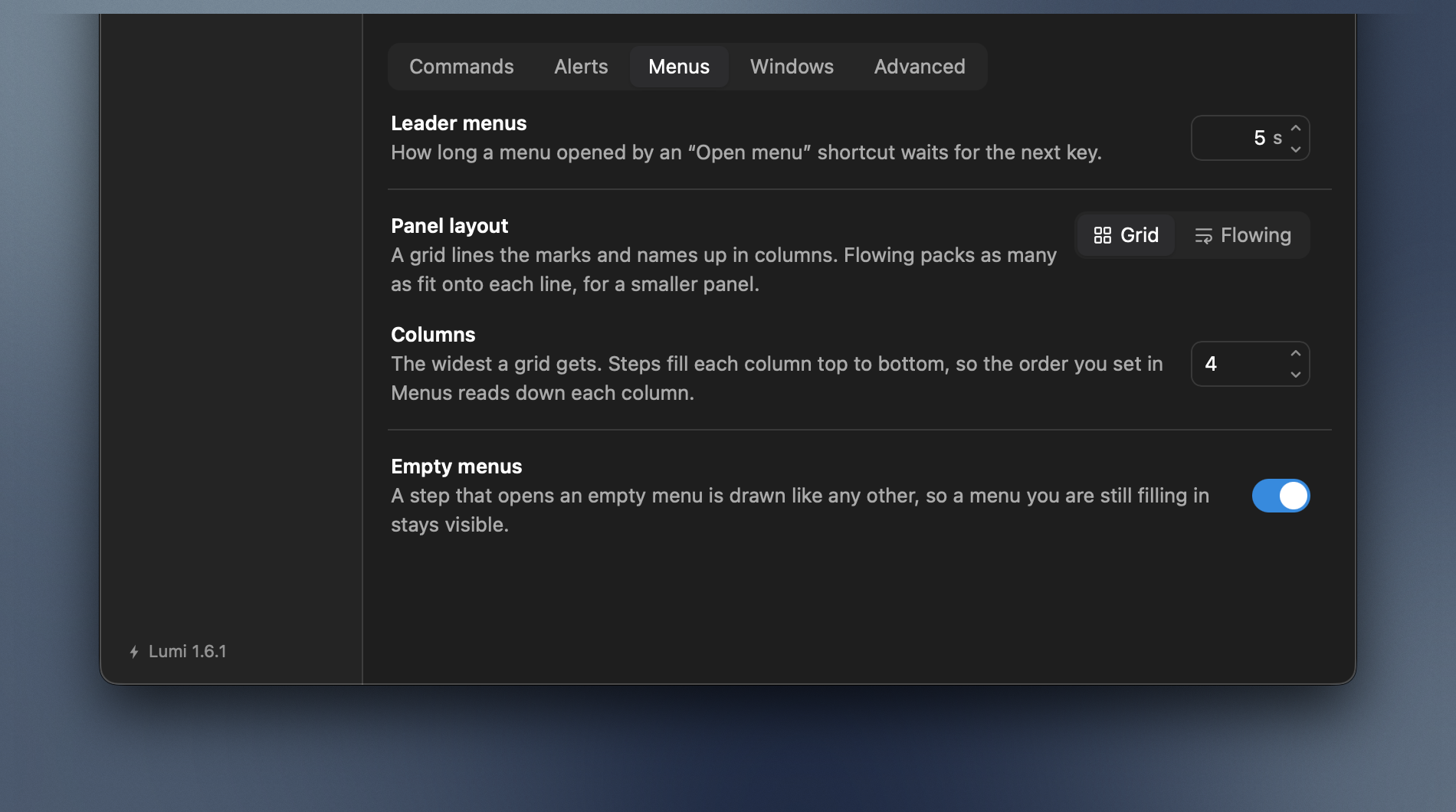
Menus
Everything about the leader menu panel.
| Section | Does |
|---|---|
| Leader menus | How many seconds a half-typed menu stays open. A single menu can override it on its own row. |
| Panel layout | Grid lines the marks and names up in columns; Flowing packs as many as fit onto each line. |
| Columns | How wide the grid is, up to six. A ceiling, not an exact count. |
| Empty menus | Show steps that open empty menus — on by default, so a menu is visible while you build it. |
Explained in full under The grid and Menus with nothing in them.
Windows
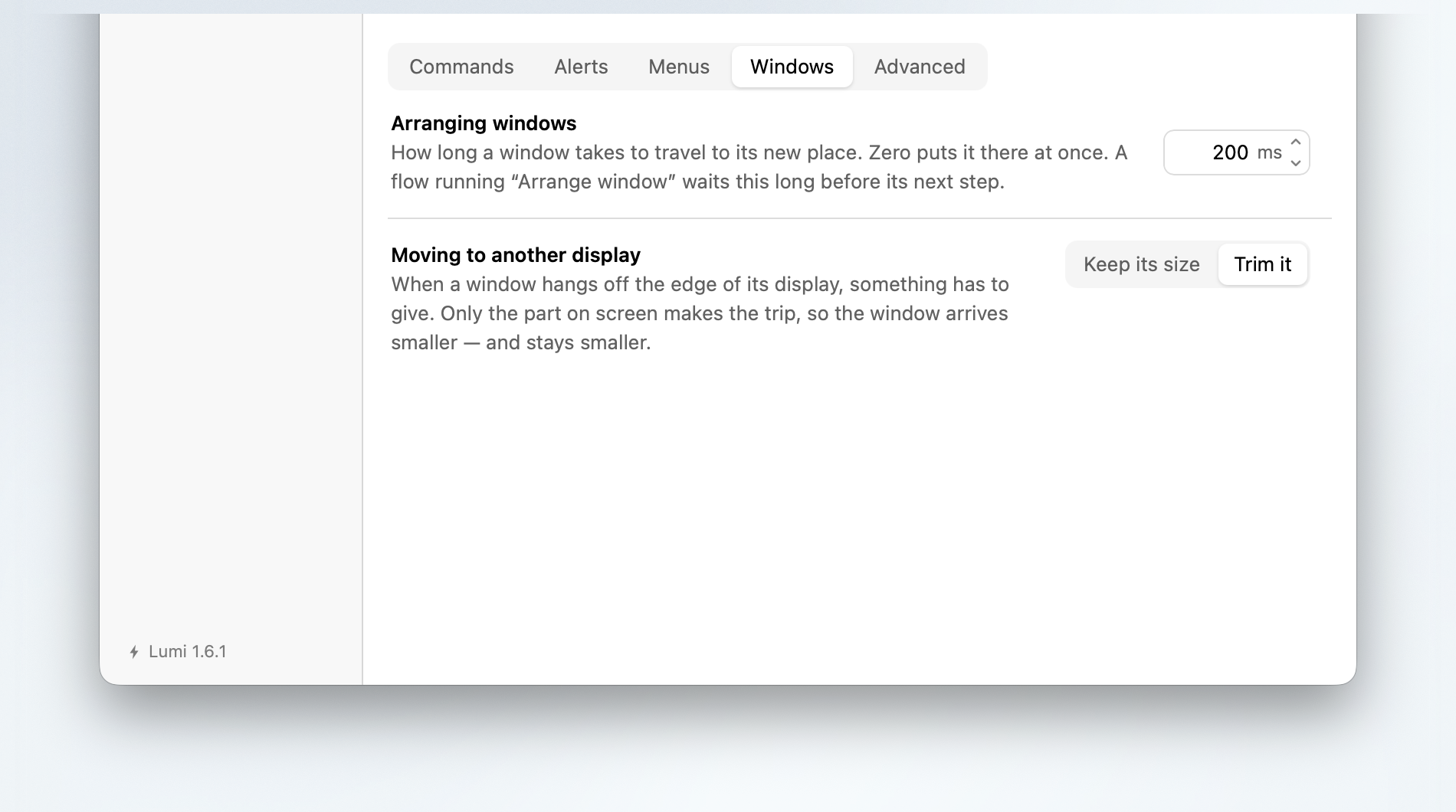
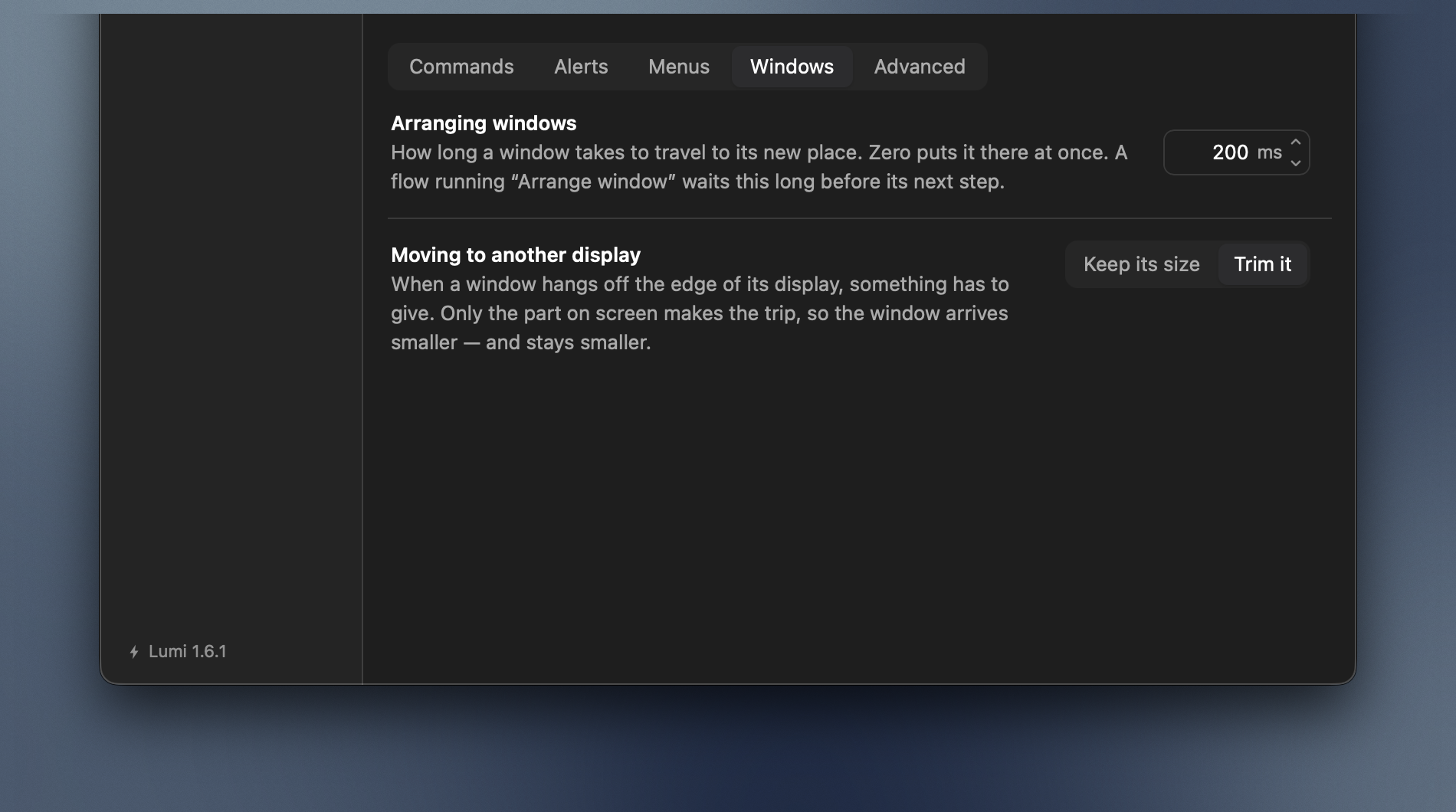
For the Arrange window and Move to another display actions.
| Section | Does |
|---|---|
| Arranging windows | How long a window takes to travel to its new place. Zero puts it there at once. |
| Moving to another display | What happens when a window hangs off the edge of its display — Keep its size, or Trim it to fit. |
Profiles
Making, renaming and removing profiles — a profile being a whole set of automations, one live at a time. Switching is quicker from the button under the pane list; this tab is for the rarer job of changing which profiles exist.
Each card names a profile, says how many shortcuts, snippets and flows are in it, and carries a dot on the left: filled on the live one, hollow on the rest. Click a card to switch to it. That count is the point of the tab: a profile that is not live has none of its rows anywhere else in the window, so without it there is nothing on screen to tell one from another but the name.
Renaming is the pencil on the row, which opens the name in place — return keeps what you typed and esc puts the old one back. Duplicate is the button beside it, and copies that row's profile — every shortcut, snippet and flow — under a name you give it; it does not have to be the live one. Remove asks on the row itself — the counts turn into the question, and the icons into Remove and Cancel — and leaves the files on disk; the live profile and the last remaining one cannot be removed. Create new profile under the list asks for a name and makes an empty one. Making a profile either way is a Pro feature, and the line saying so is on the row rather than instead of it.
Backup
Two acts rather than a column of settings, so the tab is two sections and a button each: Back up… writes everything Lumi automates to one file, and Restore… reads one back. Dropping a backup anywhere in the section opens the restore sheet already holding it.
Covered in full under Backup and restore — including what a backup never carries, what a password does, and what a restore shows you before it writes anything.
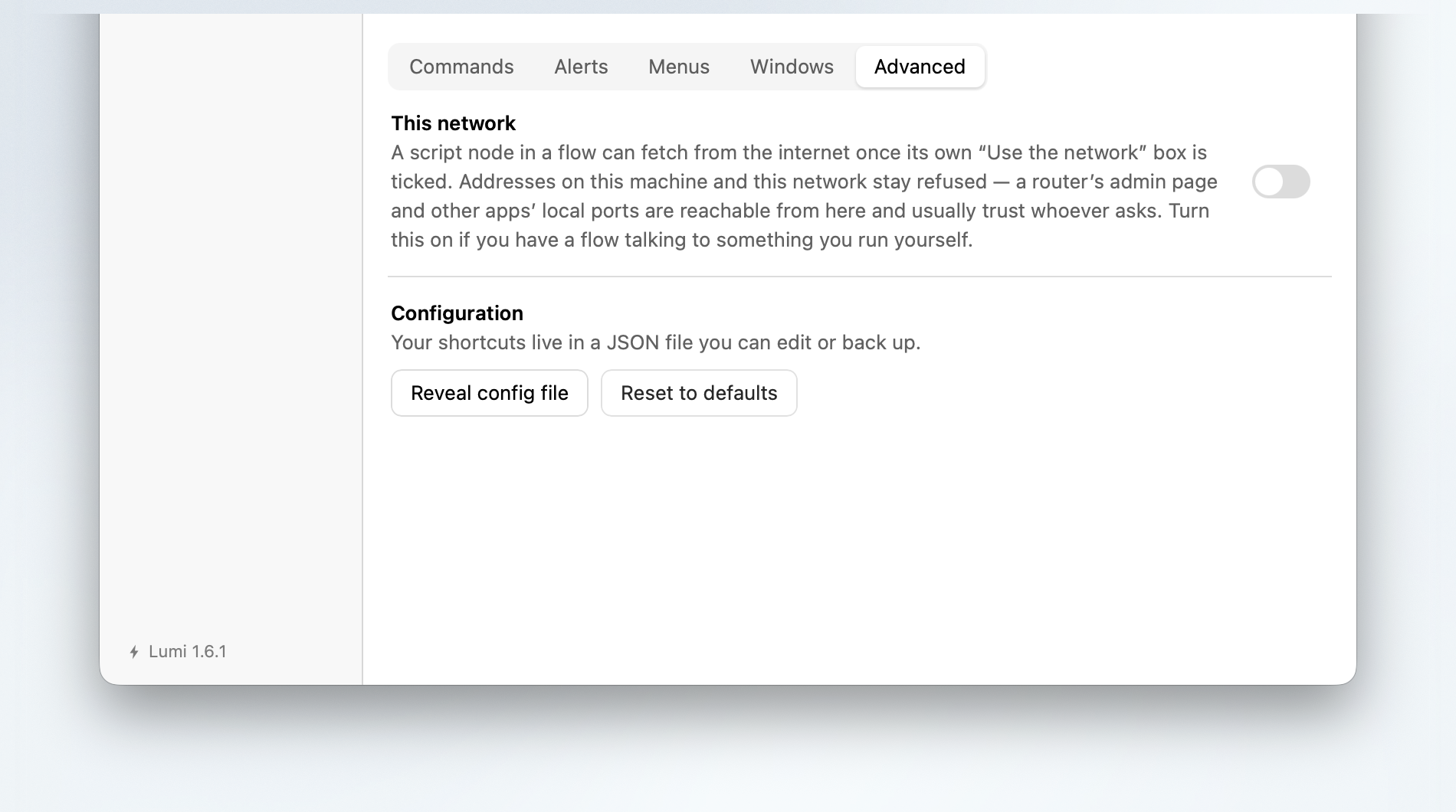
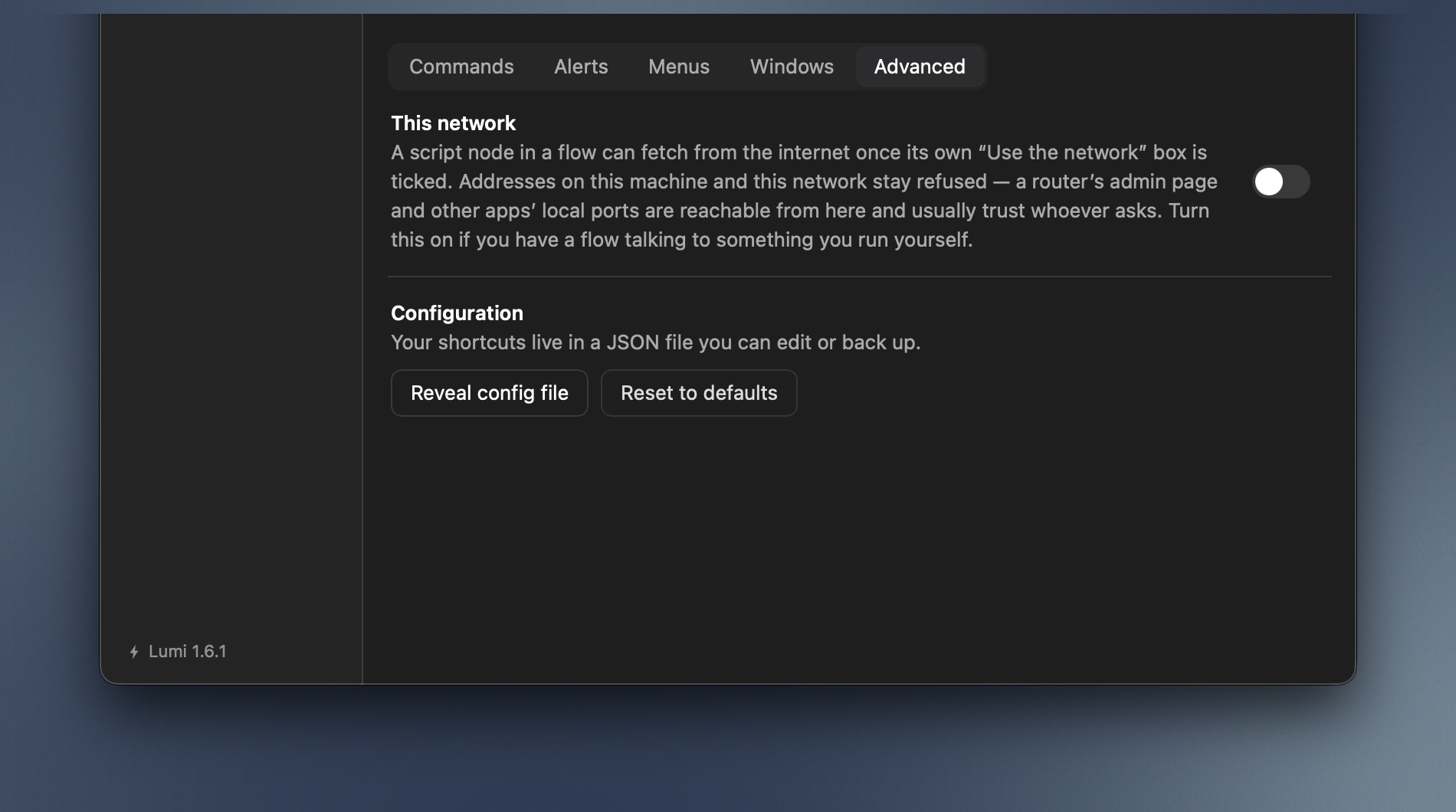
Advanced
| Section | Does |
|---|---|
| Local network | Let flows reach the local network. Off, a script node in a flow can still fetch from the internet once its own Use the network box is ticked — but addresses on this Mac and your local network stay refused. Turning this on lifts that. |
| Chromium browsers | Ask Chromium browsers for a page's text. Chrome, Edge and other Chromium browsers tell Lumi nothing about a page's own fields until a screen reader asks. On, Lumi asks the same way, so snippets work in a page's fields and the text you select there reaches Lumi and its extensions. Off by default: the browser builds that tree for every tab, and Lumi never switches the flag back off, because VoiceOver uses it too — quitting the browser ends it. |
| Configuration | Reveal config file shows this profile's settings in Finder, for a hand-edit or a look. Reset to defaults is beside it and asks first: Shortcuts and snippets go. To keep a copy of your work, use Backup rather than this file — one profile's settings are not the whole of what Lumi holds. |
| Site icons and names | What Web icons have been fetched and cached, and Clear cached data to forget them. A row then falls back to the mark its action implies, and the picture returns the next time it is needed. See Naming a row. |
| An older config file | Only appears if a version of Lumi from before profiles left its settings behind — see going back. Adopt turns them into a profile of their own. Leaving them changes nothing, and nothing is deleted either way. |
Why the network switch is off
Loopback and the local network are where everything else on your machine lives — a router's admin page, a database, a service with no password because it never expected a caller. That is why an imported flow cannot reach them until you say so.