
Permissions
What Accessibility is for, why Log out and Restart need a second grant, when Screen Recording is asked for, and how Lumi notices when one is taken back.
Lumi needs one permission to do most of its work, a second one for three of the system commands, and a third only if you read the screen. None is asked for more than once.
Accessibility
macOS gates watching and synthesising keystrokes behind a single grant, and that is the one thing almost every Lumi feature is built on.
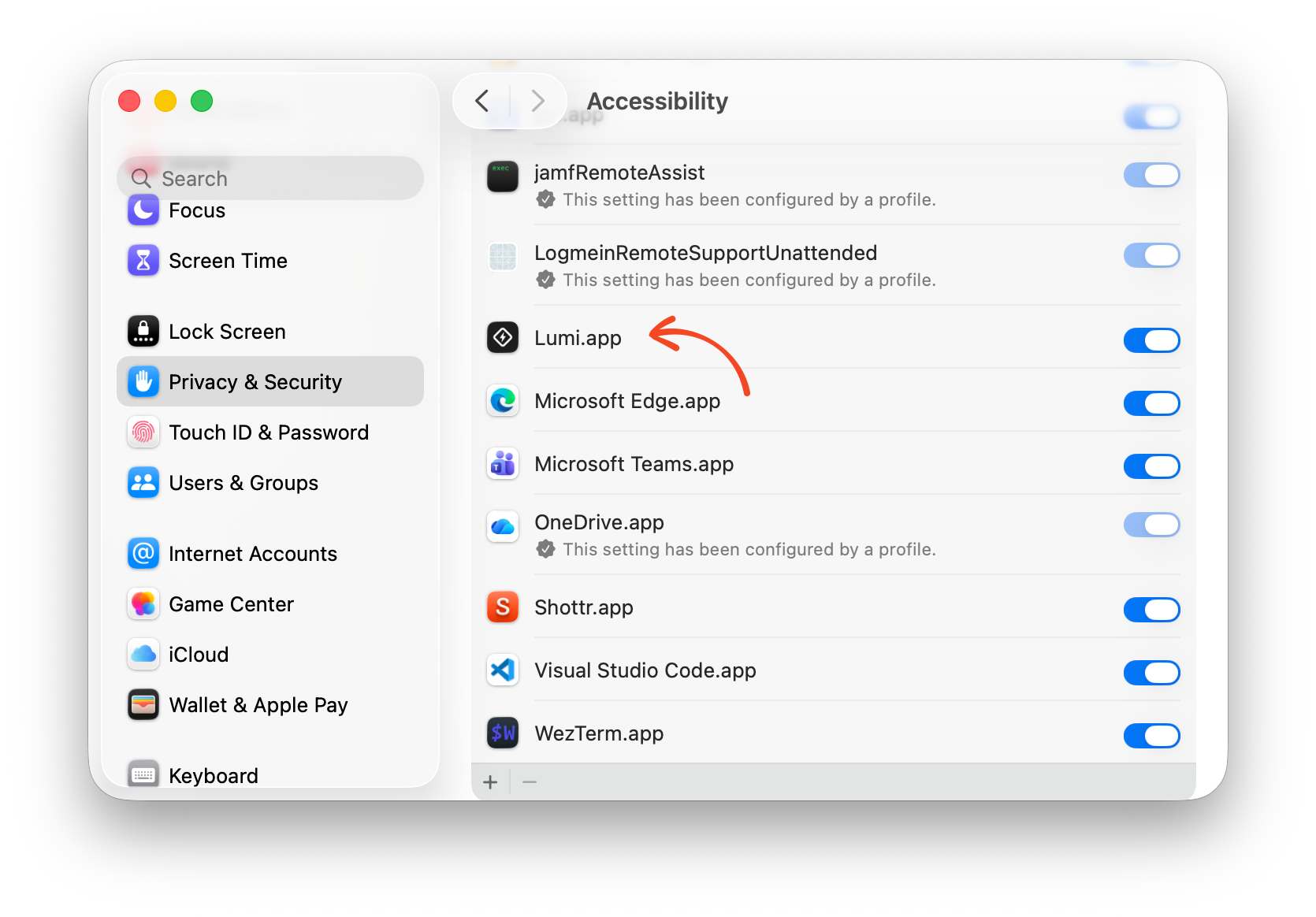
Grant it in System Settings
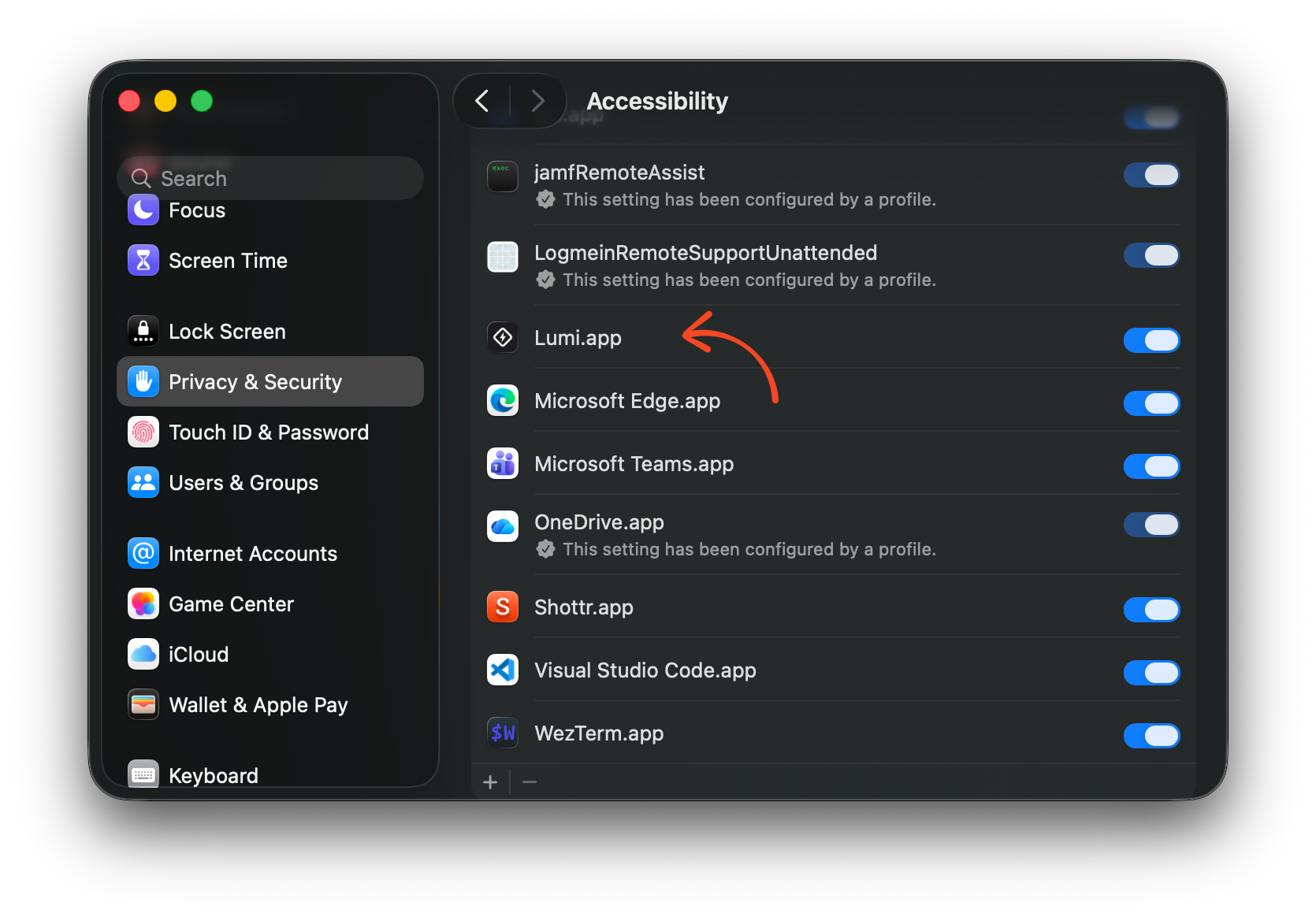
System Settings → Privacy & Security → Accessibility, then switch Lumi on. Lumi's onboarding takes you straight there, and so does the banner it shows when the grant is missing.
What stops working without it
| Feature | Needs Accessibility |
|---|---|
| Hyper key | Yes — it reads Caps Lock and stamps modifiers |
| Snippets | Yes — it watches what you type and replaces it |
| Send Keystroke | Yes — it synthesises the keystroke |
| Media keys | Yes |
| Leader menus, Double tap, the Fn key | Yes — all three read the keyboard |
| Window arranging and cycling | Yes — it reads and moves other apps' windows |
| Launching or focusing an app, Open URL, Run command | No |
A shortcut that needs the grant and does not have it does not fail quietly: the press puts an alert on screen and pins the reason to the row that failed.
It can be taken back
macOS lets you revoke the grant at any time, and it does not tell applications when it happens. There is no notification to subscribe to. So Lumi re-checks whenever its window comes to the front, which is the only moment it can rely on, and shows a banner when the answer has changed.
If you rebuild or replace Lumi.app in place, macOS may treat it as a
different application and drop the grant. Switch it back on in the same pane.
Automation, for three system commands
Log out, Restart and Shut down need a second, separate permission, and it is not the Accessibility one.
macOS has no public call for any of the three. Lumi sends an Apple Event to the login window instead, and sending an Apple Event to another process is governed by Automation. The first time one of these fires, macOS asks:
"Lumi" wants to control "loginwindow".
Allow it once and it is remembered. It lives under System Settings → Privacy & Security → Automation, where it can be taken back at any time. Deny it and the press says so, naming that pane rather than printing an error number.
The other eight system commands ask for nothing at all. Lock screen, Start
screen saver and Switch user go through the same framework the Apple menu uses;
Sleep and Turn display off go through pmset.
Ask first, or don't
Log out, Restart and Shut down each come in a pair: one hands the request to macOS and lets it put up its own confirmation sheet, the other fires at once. Pick the asking one unless you have a reason not to — a hotkey pressed by mistake then costs an Escape rather than a session.
Screen Recording, for reading the screen
Copy text on screen, and any extension that captures the screen, need Screen Recording. Most people never use either, so Lumi does not ask for it up front: the first time something needs it, Lumi opens its Settings window and macOS asks.
- macOS says Lumi "would like to record this computer's screen". Choose Open System Settings — Deny is the button already selected.
- Switch on Lumi under Privacy & Security → Screen & System Audio Recording. When macOS offers to quit Lumi, choose Later: Lumi does not need to restart.
- On the first capture, macOS asks whether Lumi may skip its own window picker. Choose Allow. macOS asks this again about once a month — every app that captures the screen gets the same question.
It can be taken back in the same pane at any time.
Nothing else is asked for
Those three are the whole list. Reading the clipboard and running a command need no grant of their own; reading the current selection is done through Accessibility, so it is covered by the first.